Easy Own
Easy to Intermediate
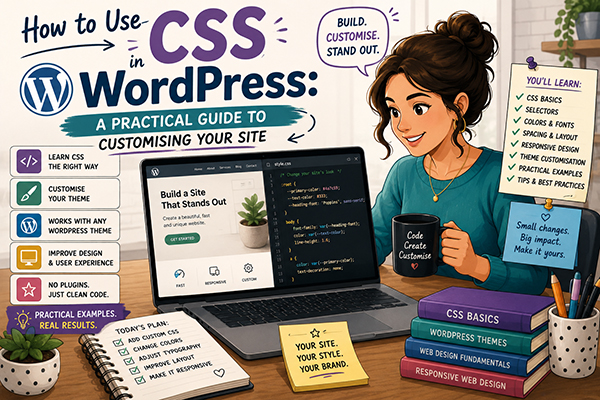
Mastering CSS Use With WordPress (With 100 Examples) Course
About this course
The course: 12 lessons, 100 live CSS examples, ~45 minutes Lesson Examples 1. CSS Basics & Selectors 8 2. Colour, Backgrounds & Gradients 9…
Full description
The course: 12 lessons, 100 live CSS examples, ~45 minutes
| Lesson | Examples |
|---|---|
| 1. CSS Basics & Selectors | 8 |
| 2. Colour, Backgrounds & Gradients | 9 |
| 3. Typography | 8 |
| 4. Box Model, Spacing & Borders | 8 |
| 5. Flexbox Layout | 9 |
| 6. CSS Grid Layout | 8 |
| 7. Positioning & Z-Index | 7 |
| 8. Transitions & Hover Effects | 9 |
| 9. Animations & Keyframes | 8 |
| 10. Responsive Design & Media Queries | 8 |
| 11. WordPress-Specific CSS | 9 |
| 12. Advanced Effects | 9 |
Learning a little CSS will give you a significant advantage. Around 80–90% of the visual tweaks you’ll want—such as improving the logo spacing, making course cards more attractive, changing colours, adjusting fonts, and refining the search bar—can be achieved with a few lines of CSS, without modifying WordPress or PHP files. It’s one of the highest-value skills you can learn for managing and improving your sites.