Interactive Own
PowerPoint Course
PowerPoint in 20 Minutes – Mini Course
About this course
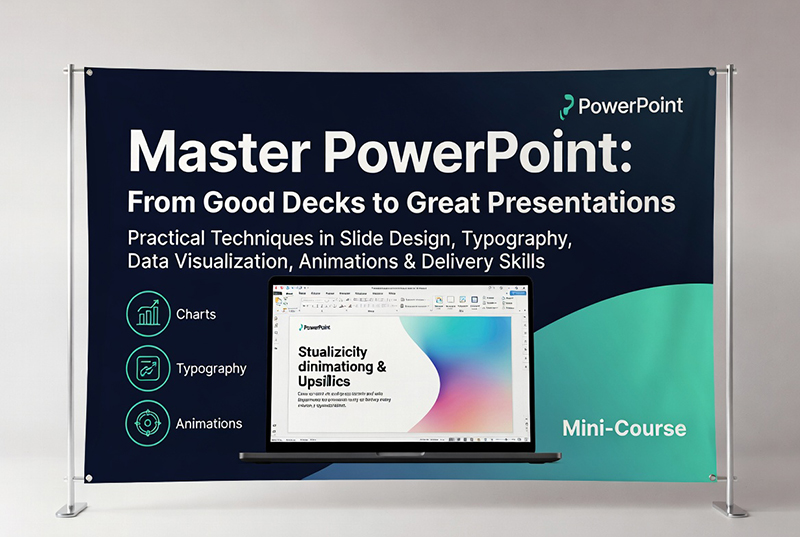
80 practical techniques — from slide design and typography to data visualisation, animations, and the delivery skills that make the difference between a good…
Full description
80 practical techniques — from slide design and typography to data visualisation, animations, and the delivery skills that make the difference between a good deck and a great presentation.
10 lessons, 80 techniques
| # | Lesson | Highlights |
|---|---|---|
| 1 | The PowerPoint Mindset | One idea rule, slides vs documents, the 3-second test, storyboarding before opening PowerPoint |
| 2 | The Interface in 5 Minutes | Ribbon essentials, Selection Pane, Align & Distribute, Format Painter, Presenter View |
| 3 | Slides, Layouts & Masters | 16:9 standard, 5 essential layouts, Slide Master, margins, section dividers, grouping, Slide Sorter |
| 4 | Typography That Actually Works | Two-font rule, 20pt minimum, font weight hierarchy, contrast requirements, fonts to avoid |
| 5 | Colour, Contrast & Visual Hierarchy | 60-30-10 rule, dark vs light backgrounds, colour for attention, data colours, white space |
| 6 | Images, Icons & Visual Content | Full-bleed technique, free image sources, background removal, icon consistency, SmartArt vs custom |
| 7 | Charts, Data & Tables | Removing chart clutter, direct labels, table rules, highlighting key rows, waterfall charts, rounding numbers |
| 8 | Animations & Transitions | One transition rule, Fade vs Wipe, Morph, build sequences, Animation Pane, cleaning inherited animations |
| 9 | Delivering & Presenting | Rehearsal, 10-20-30 rule, never read slides, the B key, handling Q&A, the opening hook, closing with action |
| 10 | The 60-Second Checklist | 10-point pre-presentation audit covering every common failure point |